
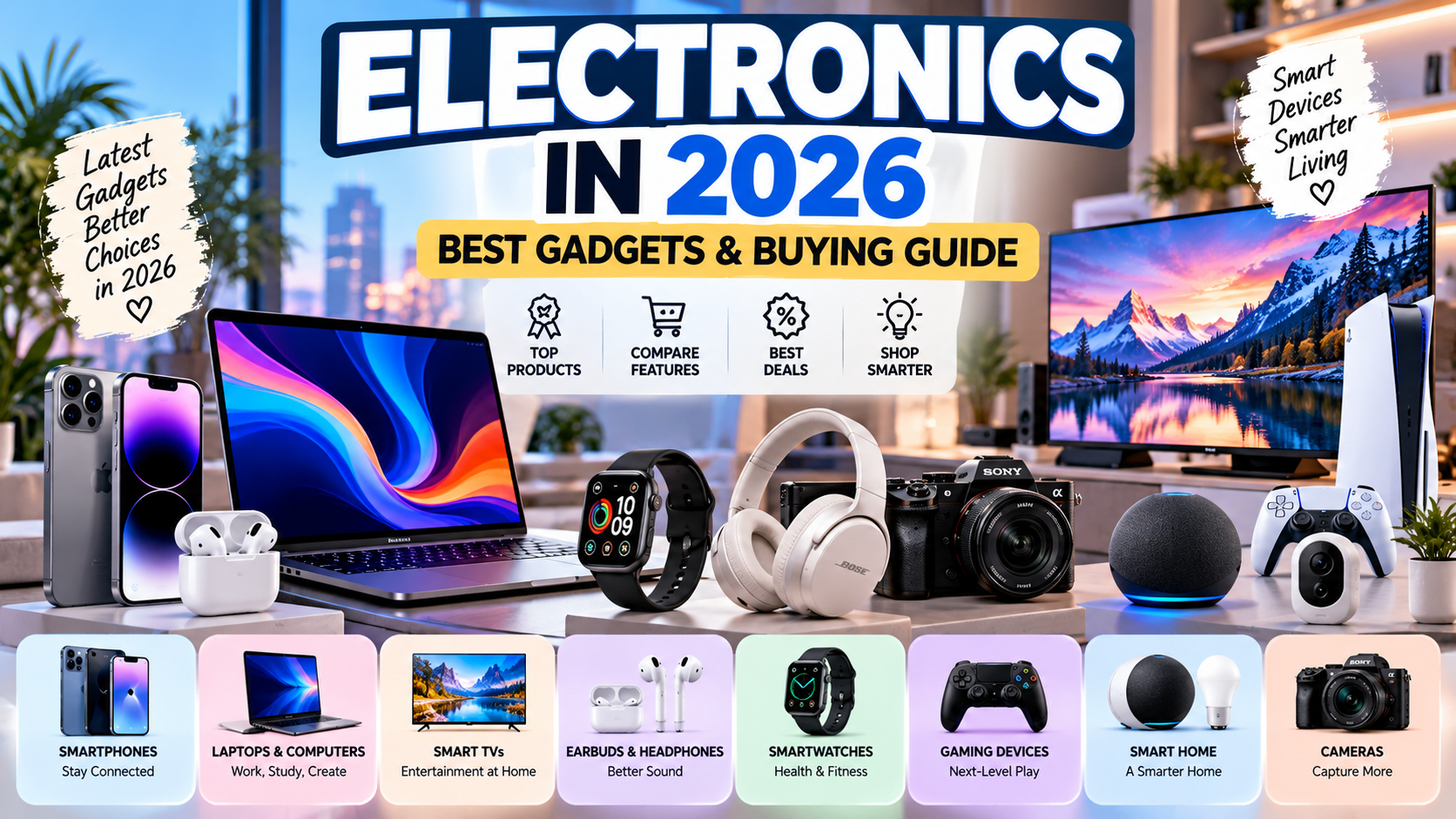
Electronics have become an essential part of modern life. From smartphones and laptops to wireless earbuds, smart TVs, gaming consoles, and connected home devices, technology helps people communicate, work, study, shop, and entertain themselves.
In 2026, consumers have more electronic products to choose from than ever before. Manufacturers continue to develop devices with improved performance, smarter software, energy-efficient features, and more convenient ways to connect. However, finding the right product can be challenging when prices, specifications, and features vary significantly between brands.
Whether you are shopping for a new smartphone, upgrading your computer, looking for affordable accessories, or exploring smart home technology, understanding the basics can help you make a better decision.
This guide explores the major categories of consumer electronics, important features to consider, shopping strategies, technology trends, and practical tips for getting the best value from your next purchase.
What Are Electronics?
Electronics are devices and systems that use electrical circuits and components to process, control, transmit, or display information. Consumer electronics are products designed primarily for personal, household, educational, or entertainment use.
Common examples include:
Smartphones and mobile phones
Laptops and desktop computers
Tablets and e-readers
Smart televisions
Wireless headphones and earbuds
Digital cameras
Gaming consoles
Smartwatches and fitness trackers
Home security cameras
Smart speakers and connected appliances
These products serve different purposes, but many now connect to the internet or communicate with other devices. This connectivity allows users to share files, control appliances, stream entertainment, and manage daily tasks more conveniently.
Popular Types of Electronics in 2026
1. Smartphones
Smartphones remain among the most widely used consumer electronic devices. They combine communication, photography, entertainment, navigation, payments, and productivity tools in a single product.
Modern smartphones offer features such as high-resolution displays, multiple cameras, biometric security, fast charging, and advanced processors. Many models also include artificial intelligence features for photography, writing assistance, translation, and other tasks.
When choosing a smartphone, consider the following factors:
Performance: Look for a processor and memory configuration that can handle your everyday applications.
Battery life: A larger battery does not automatically guarantee longer usage. Display efficiency, software, and processor design also matter.
Camera quality: Consider image quality in low light, video recording, stabilization, and the camera features you actually use.
Storage: Choose enough internal storage for your applications, photos, videos, and documents.
Software support: Check how long the manufacturer promises security updates and operating system upgrades.
Price: Compare the features you need rather than automatically buying the most expensive model.
A budget smartphone can be suitable for messaging, browsing, and everyday applications, while a premium model may be more appropriate for demanding photography, gaming, or professional use.
2. Laptops and Computers
Laptops and desktop computers support education, business, programming, creative work, gaming, and entertainment.
A laptop is convenient for people who need portability, while a desktop computer may offer better upgrade options and performance flexibility for certain budgets.
Before purchasing a computer, identify your primary use.
Students: Prioritize battery life, portability, a comfortable keyboard, and reliable performance for coursework.
Office workers: Consider multitasking performance, screen quality, connectivity, and video-call features.
Content creators: Look for sufficient memory, powerful processing, a suitable graphics processor, and a quality display.
Gamers: Compare graphics performance, cooling, screen refresh rate, and storage.
Programmers: Consider memory capacity, processor performance, keyboard comfort, and compatibility with your development tools.
For general use, avoid paying extra for specifications you are unlikely to need. A well-chosen midrange laptop may offer better value than a premium device designed for demanding professional workloads.
3. Smart TVs
Smart TVs allow users to access streaming services, internet-connected applications, and digital entertainment directly through the television.
Common features include 4K resolution, high dynamic range (HDR), built-in streaming platforms, voice controls, and wireless connectivity.
When comparing televisions, look beyond screen size.
Resolution: A 4K television offers more pixels than a Full HD model, although the benefits depend on screen size and viewing distance.
Display technology: LED, OLED, and other display technologies differ in contrast, brightness, viewing angles, and price.
Refresh rate: A higher refresh rate can be useful for gaming and fast-moving content, depending on the television's capabilities.
Connectivity: Check HDMI ports, wireless connectivity, and compatibility with your existing devices.
Operating system: Make sure the available applications and streaming services meet your needs.
For a living room, screen size and viewing distance should be considered together. A larger screen is not automatically the best choice if the room is small or the viewing position is close.
4. Wireless Earbuds and Headphones
Wireless audio devices have become popular for commuting, studying, exercising, working, and enjoying entertainment.
Many products now offer active noise cancellation, transparency modes, touch controls, microphone enhancements, and charging cases.
Before buying headphones or earbuds, consider:
Sound quality and audio preferences
Battery life
Comfort and fit
Microphone performance
Noise cancellation
Water or sweat resistance
Compatibility with your smartphone or computer
Noise cancellation can be particularly useful in busy environments, but performance varies between models. If you frequently make calls, pay attention to microphone quality rather than focusing only on advertised sound features.
For exercise, a secure fit and appropriate sweat resistance may be more important than premium materials or additional software functions.
5. Smartwatches and Fitness Trackers
Smartwatches combine timekeeping with notifications, applications, fitness features, and selected health-related measurements.
Depending on the model, features may include step counting, heart-rate monitoring, GPS, sleep tracking, exercise modes, and smartphone notifications.
Fitness trackers generally focus on activity monitoring, while smartwatches may offer broader communication and application capabilities.
Before purchasing one, check its compatibility with your phone, battery life, comfort, display readability, and the features available without a subscription.
Remember that consumer wearables are not a substitute for professional medical evaluation. Their measurements can be useful for general awareness, but accuracy varies by device and measurement.
6. Gaming Electronics
Gaming electronics include consoles, gaming computers, monitors, controllers, keyboards, headsets, and accessories.
A gaming console may be convenient for people who want a straightforward living-room experience. A gaming PC can provide more configuration choices and upgrade flexibility, although it may require a larger initial investment.
Important specifications include:
Graphics performance
Processor capability
Memory and storage
Display resolution
Refresh rate
Cooling performance
Controller or keyboard comfort
Game compatibility
For gaming monitors, response time and refresh rate can influence the experience, but they should be considered alongside resolution, panel quality, and the performance your computer can actually deliver.
Choose a setup based on the games you play and the budget you can comfortably afford.
7. Smart Home Electronics
Smart home devices help automate or remotely control selected household functions.
Examples include smart bulbs, connected plugs, smart speakers, thermostats, video doorbells, security cameras, and compatible appliances.
These products can provide convenience by allowing users to control devices through applications, schedules, or voice commands.
However, compatibility matters. Not every smart home product works with every ecosystem, and some features may require a subscription or a specific hub.
Before buying smart home electronics, check:
Compatibility with your existing devices
Wi-Fi or hub requirements
Privacy and security settings
Software update support
Subscription fees
Power requirements
What happens if the internet connection fails
Smart home technology is most useful when it solves a real problem. Start with a small number of devices before investing in an entire connected system.
Major Electronics Technology Trends in 2026
Electronics continue to evolve as manufacturers respond to consumer demand, new software capabilities, and improvements in components.
The following developments are important areas to watch.
1. Artificial Intelligence Features
Artificial intelligence is increasingly integrated into consumer devices. Depending on the product, AI features may assist with image editing, voice interaction, translation, writing, search, and organization.
Some functions run directly on the device, while others depend on cloud services.
When comparing AI-enabled electronics, check which features are genuinely available, whether they require an internet connection, and whether additional fees apply. Marketing language alone does not establish that a device will perform better for your needs.
2. Faster Connectivity
Modern electronics increasingly support newer wireless standards and improved connectivity options.
Faster connections can make downloads, streaming, file transfers, and connected-device experiences more convenient. However, actual performance also depends on the router, internet service, distance, network congestion, and compatibility of connected devices.
Check the supported standards of both the device and the equipment you already own.
3. More Efficient Batteries and Charging
Battery life remains a major consideration for smartphones, laptops, wearables, and wireless accessories.
Manufacturers continue to improve charging systems, battery management, and power efficiency. Nevertheless, charging speed and battery capacity differ between models.
Before buying a device, review independent battery tests when available, especially if you need long operating times away from a power outlet.
4. Foldable and Flexible Displays
Foldable smartphones and other flexible-screen devices offer alternative designs that combine portability with larger displays.
These products can appeal to users who multitask or want a larger viewing area without carrying a traditional tablet. Potential trade-offs include higher prices, differences in durability, and additional repair considerations.
Buyers should compare the device's software experience and warranty terms, not just the novelty of its design.
5. Connected Entertainment
Smart TVs, streaming devices, gaming consoles, wireless speakers, and mobile devices increasingly work together to deliver connected entertainment.
This integration can make it easier to access media across different screens and control compatible devices from one place.
However, application availability, subscriptions, regional restrictions, and ecosystem compatibility remain important considerations.
6. Energy Efficiency
Energy consumption is an important factor when purchasing electronics that remain connected for long periods.
Energy-efficient televisions, computers, lighting products, and appliances may reduce electricity use over time. Actual savings depend on the device, how frequently it is used, and local electricity costs.
For household products, compare energy labels and manufacturer specifications when available.
How to Choose the Best Electronics for Your Needs
Buying electronics becomes easier when you establish your priorities before browsing products.
Step 1: Set a Realistic Budget
Determine how much you can spend without affecting essential expenses.
Include the cost of accessories, shipping, taxes, warranties, and possible maintenance. A device with a lower advertised price may become more expensive once required accessories are added.
Step 2: Identify Your Main Purpose
Write down what you need the product to do.
For example, someone purchasing a laptop for documents and web browsing may not need a high-end graphics processor. A person editing professional video, however, may benefit from more powerful hardware.
Buy for your actual use rather than hypothetical future needs.
Step 3: Compare Important Specifications
Choose the specifications that matter most for your activity.
For smartphones, these might include battery life, camera performance, and software support. For televisions, display quality and screen size may be more important. For computers, memory, storage, and processing performance can make a major difference.
Do not assume that the highest number in a specification sheet automatically means the best product.
Step 4: Read Reliable Reviews
Look for reviews that test real-world performance, battery life, reliability, and usability.
Pay attention to repeated problems reported by multiple reviewers. A single negative comment may reflect individual preferences, but consistent reports of the same issue deserve closer examination.
Step 5: Check Warranty and Repairs
Electronics can require maintenance or repairs, so support matters.
Before purchasing, confirm the warranty period, repair options, replacement-part availability, and whether the warranty is valid in your country.
This is especially important when purchasing imported products.
Step 6: Verify Compatibility
Check whether the product works with your existing devices, software, accessories, and home network.
For example, a smartwatch may have limited functionality when paired with an unsupported phone, and a smart home device may require a specific wireless protocol or hub.
Step 7: Buy From a Trusted Seller
Purchase from an official brand store or a reputable retailer whenever possible.
Check the seller's reputation, product condition, return policy, warranty terms, and authenticity guarantees. Keep receipts and order confirmations after purchasing.
Online Shopping for Electronics: How to Find Better Deals
Online shopping makes it easier to compare products from different retailers, but it also requires careful research.
Compare the Total Cost
Look beyond the listed price. Consider shipping, taxes, payment fees, import duties, and the cost of essential accessories.
Look for Genuine Promotions
Seasonal promotions, clearance sales, and previous-generation products may offer better value. Confirm that the discount applies to the exact model and configuration you want.
Compare Model Numbers
Two products can have similar names but different specifications. Verify storage capacity, processor, regional version, included accessories, and warranty coverage.
Check Return Conditions
Understand the return window, restocking fees, and whether the product must remain unopened. Some electronic products have specific return restrictions.
Avoid Suspiciously Cheap Listings
An unusually low price may indicate a counterfeit, used, refurbished, region-locked, or incorrectly described product.
If the offer seems unrealistic, investigate the seller before making a payment.
New vs. Refurbished Electronics: Which Is Better?
Both new and refurbished electronics can be reasonable choices, depending on the product and seller.
Factor | New electronics | Refurbished electronics |
|---|---|---|
Condition | Generally unused | Restored or inspected after previous use or return |
Price | Usually higher | Often lower |
Warranty | Depends on manufacturer and retailer | Varies by seller and product |
Battery condition | Generally unused battery | May show some battery wear |
Risk | Depends on quality and seller | Depends heavily on inspection and refurbishment standards |
Refurbished electronics can provide good value when purchased from a reputable seller with a clear warranty and return policy.
Before purchasing a refurbished phone or laptop, ask about battery health, replaced components, cosmetic condition, included accessories, and the exact warranty terms.
Do not assume that every refurbished product has been restored to the same standard.
How to Protect Your Electronics
Proper care can help electronics remain functional and reduce the risk of avoidable damage.
Keep devices clean: Use manufacturer-approved cleaning methods and avoid applying liquids directly to electronic components.
Protect against heat: Avoid leaving devices in very hot environments, such as a parked car in direct sunlight.
Use suitable chargers: Choose compatible chargers and cables from reputable manufacturers.
Install security updates: Software updates can fix vulnerabilities and improve device stability.
Back up important data: Maintain copies of important documents, photos, and files in a secure location.
Use protective accessories: Cases, screen protectors, and suitable storage can reduce certain types of physical damage.
Manage account security: Use strong passwords, enable multifactor authentication where available, and review application permissions.
Follow battery guidance: Use the charging and storage recommendations provided by the manufacturer.
Good maintenance cannot prevent every failure, but it can help protect your investment.
Electronics and Environmental Responsibility
Electronic products can contain materials that require specialized handling when discarded. Batteries and electronic components should not simply be treated as ordinary household waste when local recycling options are available.
Consumers can make more responsible choices by keeping devices in use for longer, repairing products when practical, donating functional equipment, and recycling obsolete electronics through appropriate programs.
Before replacing a device, consider whether a repair, battery replacement, or storage upgrade could extend its useful life.
When purchasing new electronics, durability, repairability, software support, and energy efficiency can all contribute to long-term value.
Common Mistakes to Avoid When Buying Electronics
Many shoppers spend more than necessary or choose products that do not suit their needs. Avoid these common mistakes:
Buying based only on brand reputation: A well-known brand can offer products that differ significantly in quality and value.
Ignoring compatibility: Confirm that the device works with your existing equipment.
Overlooking warranty terms: A low price may not compensate for limited support.
Focusing only on specifications: Real-world performance and usability matter.
Ignoring long-term costs: Accessories, subscriptions, repairs, and electricity can add up.
Buying unnecessary features: Expensive extras provide little value if you never use them.
Ignoring software support: Devices that stop receiving security updates may become less suitable for long-term use.
Purchasing from unreliable sellers: Counterfeit or misrepresented products can lead to financial loss.
A little research before checkout can help you avoid these problems.
Final Thoughts: Choosing Electronics in 2026
Electronics play an important role in communication, education, work, entertainment, and everyday convenience. With options ranging from affordable accessories to advanced smartphones, computers, and smart home systems, consumers have many ways to find products that match their needs.
The best purchase is not necessarily the newest, most expensive, or most heavily advertised device. It is the product that delivers the features, performance, reliability, and support you need at a price you can afford.
Before buying, set a budget, compare specifications, read trustworthy reviews, verify compatibility, and check the seller's warranty and return policies.
By focusing on practical value instead of marketing hype, you can make more confident electronics purchases in 2026 and get more from your technology.
Frequently Asked Questions About Electronics
1. What are the most popular types of electronics?
Popular consumer electronics include smartphones, laptops, tablets, smart TVs, wireless headphones, gaming devices, smartwatches, cameras, and smart home products.
2. How do I choose the best electronics?
Start by identifying your needs and budget. Compare specifications, read reliable reviews, check compatibility, and confirm warranty coverage before buying.
3. Is it better to buy electronics online or in a store?
Online shopping makes price comparisons convenient, while physical stores allow you to inspect products and test features. The best option depends on the product, seller, and return policy.
4. Are refurbished electronics worth buying?
They can be worth considering when purchased from a reputable seller with clear refurbishment standards, a suitable warranty, and a return policy.
5. How can I find affordable electronics?
Compare prices across trusted retailers, look for genuine seasonal promotions, consider previous-generation models, and evaluate refurbished products when appropriate.
6. What should I check before buying a smartphone?
Consider battery life, camera quality, performance, storage, software support, display quality, price, and compatibility with your mobile network.
7. What electronics are useful for students?
Depending on their course, students may benefit from a reliable laptop, headphones, a smartphone, and appropriate charging or storage accessories.
8. How can I make electronics last longer?
Keep devices clean, avoid excessive heat, install updates, protect them from physical damage, use suitable chargers, and back up important data.
9. Why is warranty coverage important?
A warranty may cover certain manufacturing defects or hardware failures. Coverage differs by product and seller, so review its duration, exclusions, and repair arrangements.
10. What should I do with old electronics?
Consider repairing, donating, or recycling them through an appropriate local program. Erase personal data securely before handing a device to someone else.
11. Are expensive electronics always better?
No. A more expensive device may offer additional features, but those features may not be necessary for every user. Compare real-world performance and value for your specific needs.
12. What is the future of consumer electronics?
Consumer electronics are likely to continue developing in areas such as AI-enabled features, connectivity, energy efficiency, smart home integration, display technology, and battery performance. The pace and impact of these developments will vary by product category.


